Decks that come together fast
Slides with ready layouts, themes and a fullscreen present mode. Import PPTX, collaborate, and present without leaving the browser.
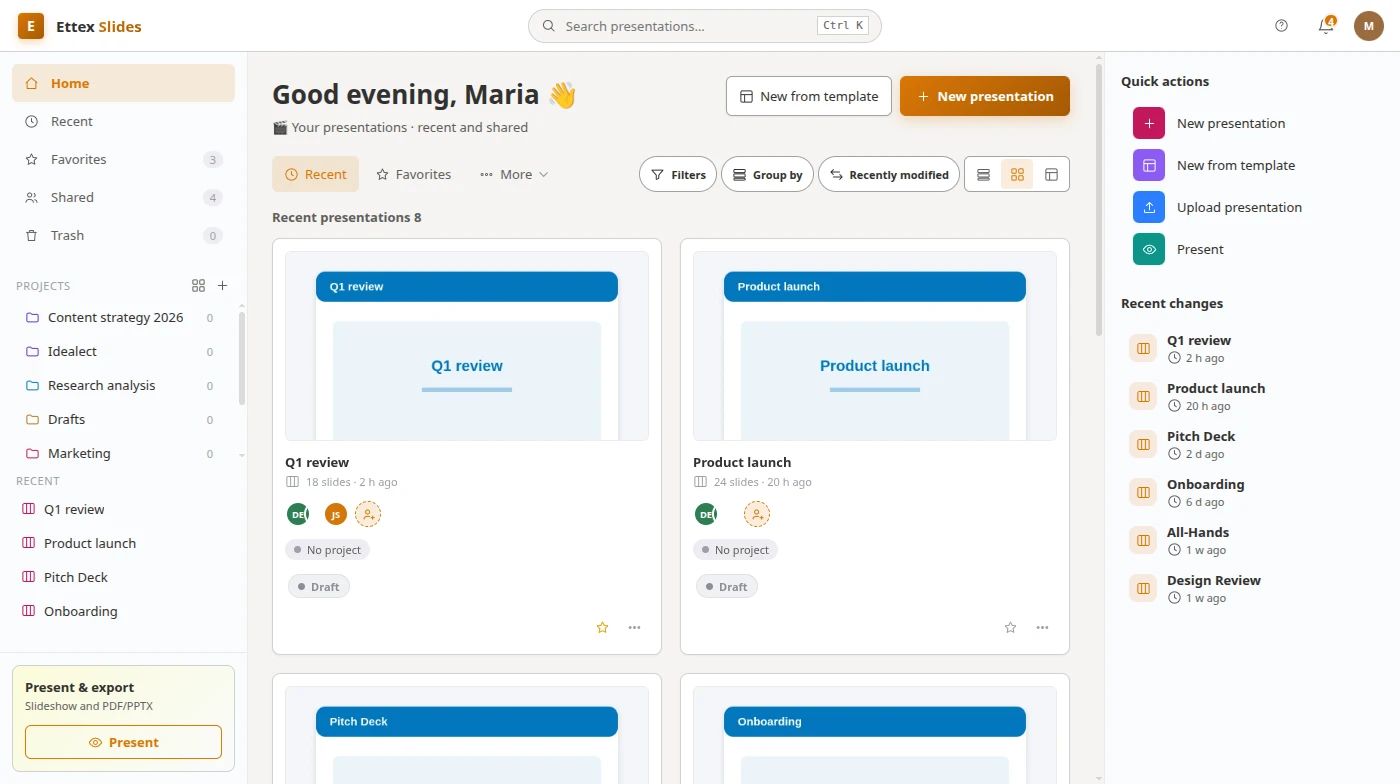
Everything you need in Presentations
Layouts
7 ready slide layouts to drop content into.
Themes
Accents, backgrounds and fonts in a click.
Present
Fullscreen navigation with speaker flow.
Together
See participant presence while you build.
Slides & presenting.
Built for your team.
Slides with ready layouts, themes and a fullscreen present mode. Import PPTX, collaborate, and present without leaving the browser.
- Slide themes and layouts
- Transitions and animations
- Speaker notes
- Present and export to PDF
- Reusable master slides

From start to done in 3 steps
Pick a theme
Start from a layout and theme that fit.
Fill the slides
Titles, bullets, images — or import a PPTX.
Present
Go fullscreen or export to PDF/PPTX.
One office, every tool
Seamlessly switch between apps and keep everything in one place.
A closer look at Presentations
Frequently asked questions
Can I import PowerPoint files?
Yes — import PPTX and keep editing your slides in Ettex.
Is there a present mode?
A fullscreen present mode with keyboard navigation is built in.
Switching from another tool?
How Ettex Slides compares, tool by tool.
Guides for Slides users
Practical write-ups from the people building it.
Ready to get started with Presentations?
Join thousands of teams already using Ettex Presentations.